The console is a text-based interface where a program can display information and receive input from the user. It is one of the simplest ways for a program to communicate with the outside world.
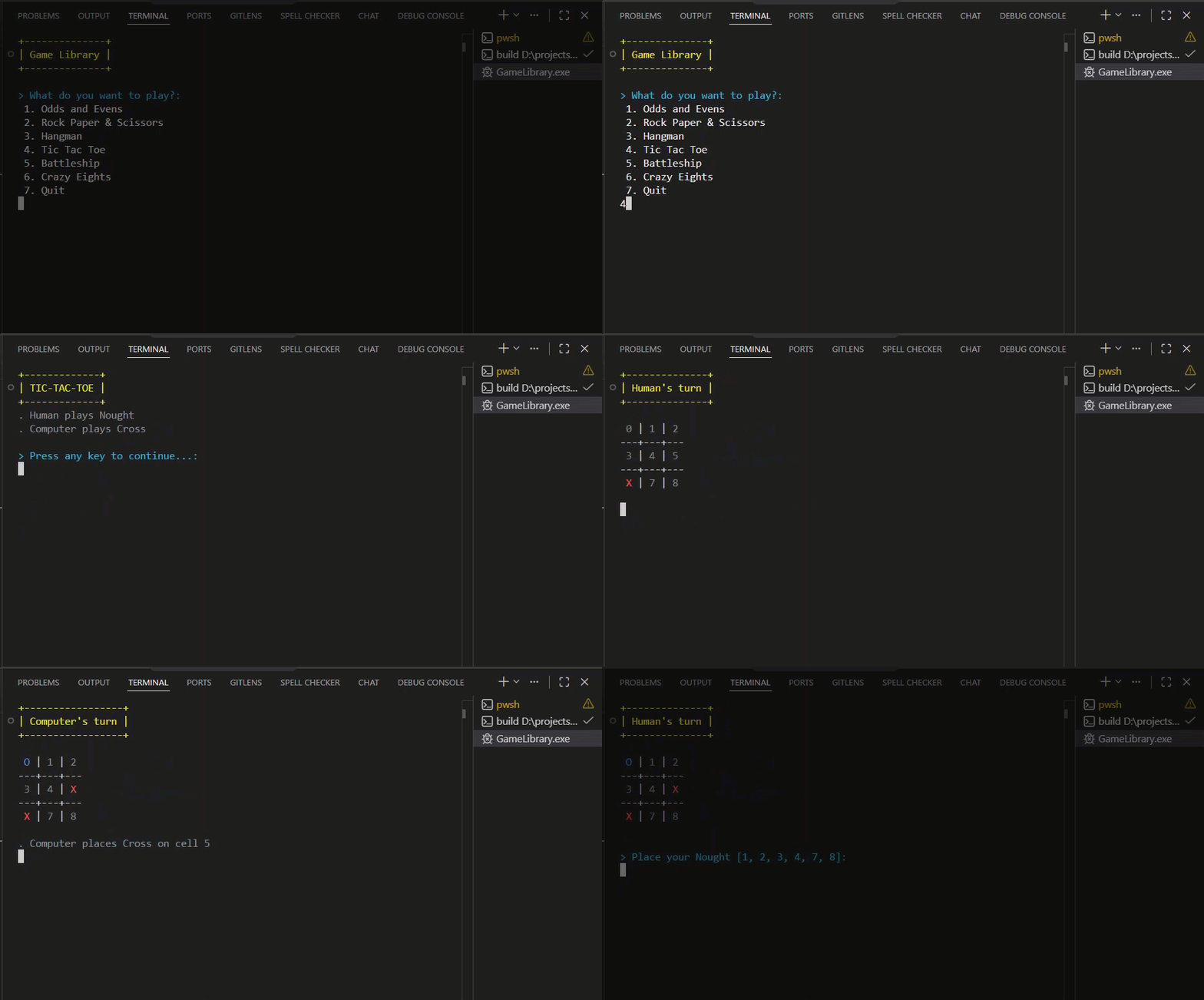
When you run a program in an IDE, the console appears as a panel where you can read the program’s output and type responses when the program asks for them.
Output#
Output is information the program sends to the console. You use a built-in function to print a string to the console:
Console.WriteLine("Welcome to Odds and Evens!");print("Welcome to Odds and Evens!")console.log("Welcome to Odds and Evens!");This prints the text to the console, followed by a new line.
Welcome to Odds and Evens!Input#
Input is information the user sends to the program by typing in the console. You use a built-in function to read what the user typed:
Console.ReadLine();input()prompt();When the program reaches this line, it pauses and waits for the user to type something and press Enter. The program then continues with whatever the user entered.
Common Mistakes#
Confusing the console with the IDE The console is not the IDE — it is one panel inside it. The IDE is the whole application: editor, file explorer, terminal, and more. The console is just the text window where your program’s output appears and where you type input.
Not realising the program pauses for input
When the program calls the input function, it stops and waits. Nothing else happens until the user types something and presses Enter. If your program appears frozen, check whether it is waiting for input rather than having crashed.
Printing a value instead of storing it Reading input returns a value, but calling the input function on its own doesn’t save it anywhere. If you need to use what the user typed, you must store the return value in a variable. Calling the function without storing the result means the input is immediately lost.