📖 Instructions#
A computer program is a set of instructions that a computer executes to perform a task.
To write computer programs, programmers use Integrated Development Environments (IDEs).
🎓 Learn More
In this course, we will use Visual Studio Code (VS Code). It is a free, lightweight, and extensible IDE that supports many programming languages.
You may use another IDE if you prefer, as long as it supports the desired programming language.
In this course, we’ll develop a Console Games Library: a console application where users can play simple games in the console.
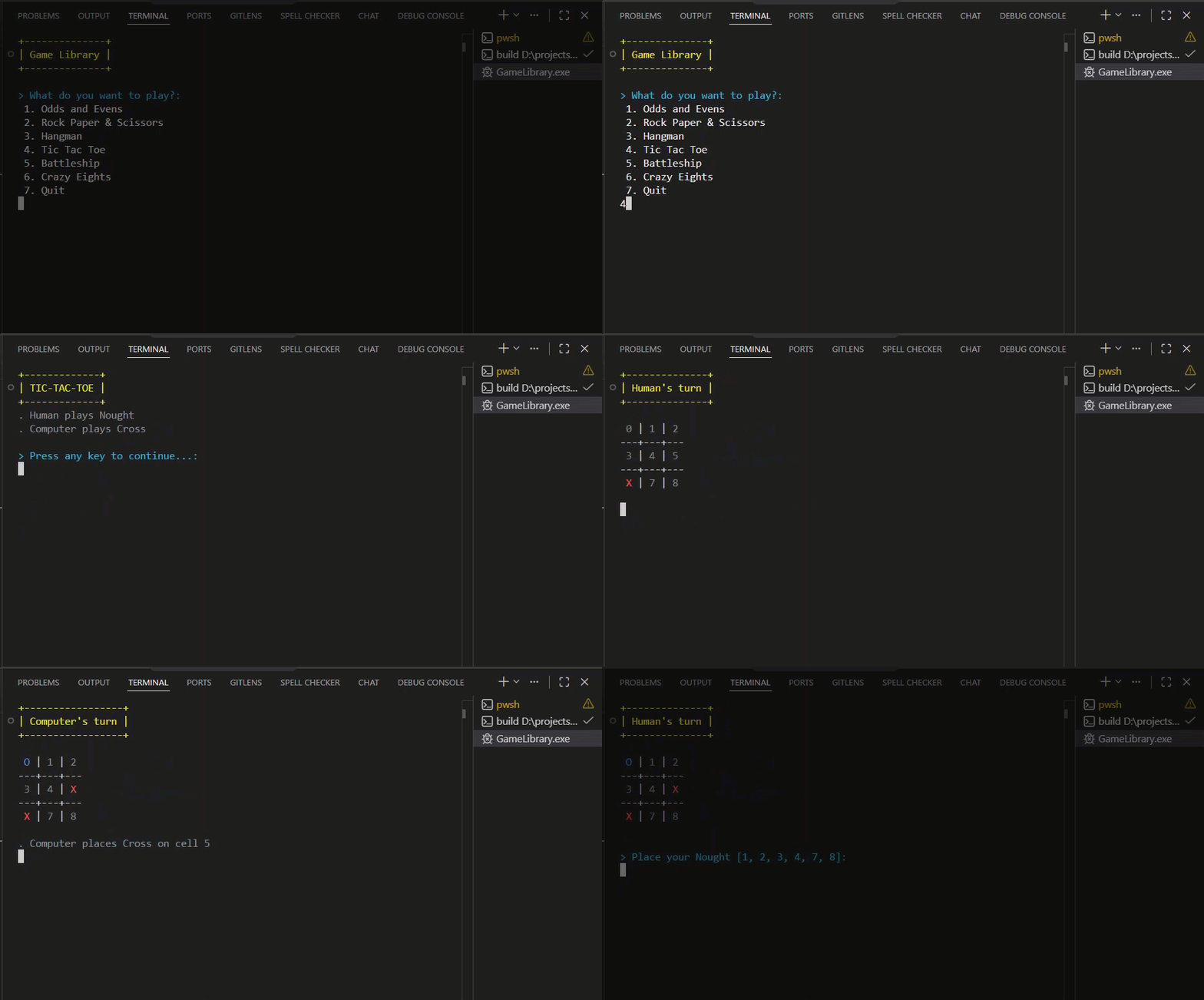
The first step is to create a project in VS Code.
✅ What to Do#
- Download and Install Visual Studio Code (external link).
- Create a C# Console App named
ConsoleGamesLibrary.
🎯 Expected Outcome#
At the end, you should have the following file structure in VS Code:
ConsoleGamesLibrary
    ConsoleGamesLibrary.csproj
    ConsoleGamesLibrary.sln
    Program.cs